HUD & visuals
Only what you need.
Right where you need it.
Keep cooldowns close and active modules visible. Try the preview to find your balance.
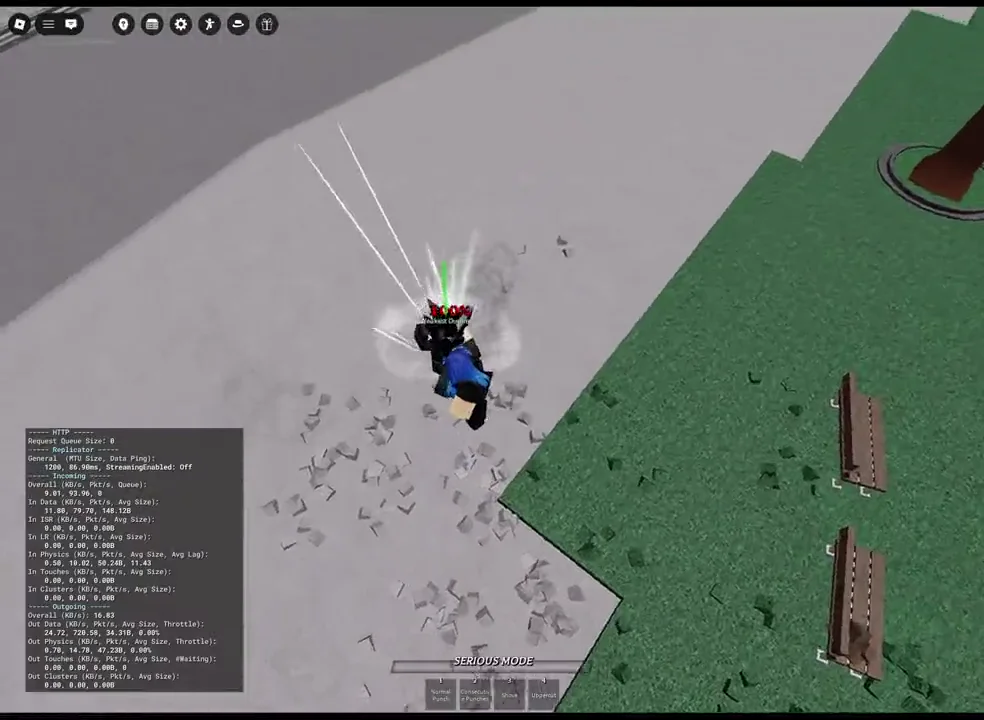 Appearance preview
Recorded gameplay with an example overlay. Preview changes stay on this page.
Beyond the preview
More control. Less clutter.
Choose your indicators in the app. Requirements are listed beside each feature.
- Dash Bars
- Side and front dash cooldown indicators, auto-hide, and text sizing.
- Keybind mode; External Mode for game-event detection.
- Effects & Module List
- Glow or shadow styling and a list of enabled modules.
- Configure in Visual / Indicators.
- Auto Zoom
- Zoom preferences around dash state.
- Calibrate its keybind before use.
- FOV & FPS
- Camera field-of-view and framerate controls.
- External Mode required.
- FastFlags & detection
- FastFlags, Saitama Detection, and Evasive Detection controls.
- External Mode required.
Make it your setup.
Compare access options, or ask the community about the current app before choosing your plan.