






Rewrite in progress
Macros, dash bars and FastFlags for Roblox.
Ping-adjusted macros for TSB and JJS, cooldown bars drawn over the game, and FastFlags you can share.
Ping-adjusted macros for The Strongest Battlegrounds and Jujutsu Shenanigans, cooldown bars drawn over the game, and FastFlags you can share with other players.
£7.99 for 30 days · No automatic renewal
Works with
 TSB
TSB JJS
JJS
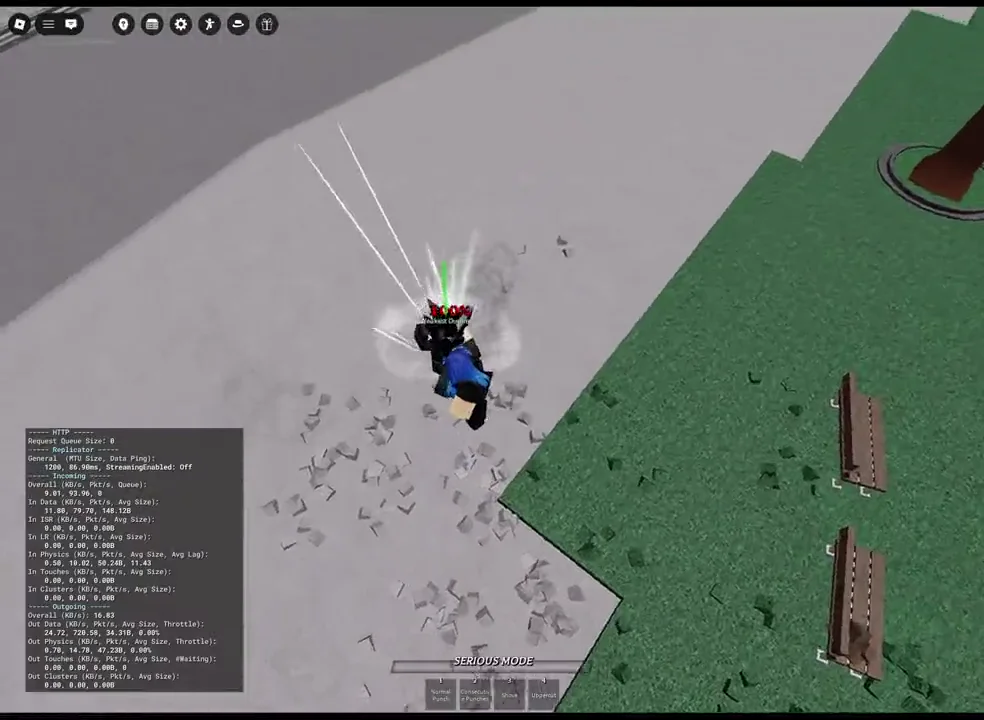
M1 Reset · in-game recording
In a match
Your HUD, drawn over the game
Cooldown bars and a list of active macros sit over Roblox, so you can see what is ready without looking away.
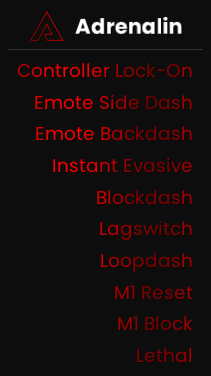
In-game recording
Recorded M1 Reset in The Strongest Battlegrounds, with the app's dash bars and module list shown over it as an example.
On screen
What the app draws over Roblox
Cooldowns
- Dash barsFront and side dash cooldowns, ping-adjusted
- Evasive barThe 30-second evasive cooldown
- Auto ZoomKeeps your Roblox zoom where you set it
Overlays
- Module listActive macros in the corner, with gradient colours
- Saitama detectionCircles ulted and death-counter players. External mode
- Evasive detectionShows when others use evasive. External mode
Set these up in the app under Visual / Indicators. Detection needs External mode, which is off by default.

In the app
What you get today
Everything here is in the current version, for The Strongest Battlegrounds and Jujutsu Shenanigans.
Macros
Loopdash, Backdash Cancels, Dash Assist, Dash Pattern and more for TSB, plus JJS movesets. Most have up to 16 presets.
Lagswitch
Hold, toggle or timer modes, with M1 Reset, Lag Dash and emote dashes built on top.
Cooldown bars
Dash and evasive cooldowns over the game, a module list of active macros and Auto Zoom.
FastFlags, FOV and FPS
A FastFlag manager with a shared cloud library, plus FOV and an FPS limiter. External mode, off by default.
Configs and import
Local profiles, a cloud library to browse, vote on and share, and MacroGamer .mgp import.
Teaming and Rebinder
Ask other Adrenalin players online for help, and remap dash, block and move keys for any battleground.
Pricing
One key, 30 days, everything included
A one-off payment. Nothing renews on its own.A one-off payment with nothing to cancel. Buy another key whenever you want more time.
30-day keyTSB and JJS, with every macro and the HUD£7.99See pricingGetting started
From checkout to your first match

- Step 01
Buy a key
Pay by card or PayPal. The license key arrives by email, and nothing renews on its own.
- Step 02
Create your account
Register with the key. Linking Discord is optional and gives you the buyer role.
- Step 03
Download and sign in
Sign in with the same account. A first-run setup walks you through the master toggle, Roblox sensitivity and detections.
FAQ
Common questions
Cannot find it here? Support answers in the Discord.